
Before you start
Sign in to HubQuery with the account that should perform this task. If you manage more than one role (Agent, Host, Landlord), switch to the correct dashboard view from the header before continuing. Turn on notifications under Dashboard → Settings → Notifications so you do not miss important updates.
HubQuery never asks candidates for money, gift cards, or crypto to get an interview, equipment, or a job offer. Real hiring messages come from @hubquery.com only.
Who it's for
Anyone applying through HubQuery Careers (/join) or the candidate portal.
How to stay safe
- Apply only via careers.hubquery.com (or the official Careers host linked from HubQuery).
- Ignore recruiters who ask you to pay for training, visas, or “placement fees.”
- Confirm email domains carefully—lookalikes are a common scam.
How to report
Use the recruitment fraud notice on Careers pages, open Careers Help, or contact HubQuery via the Contact page. Include screenshots and the sender address.
Related
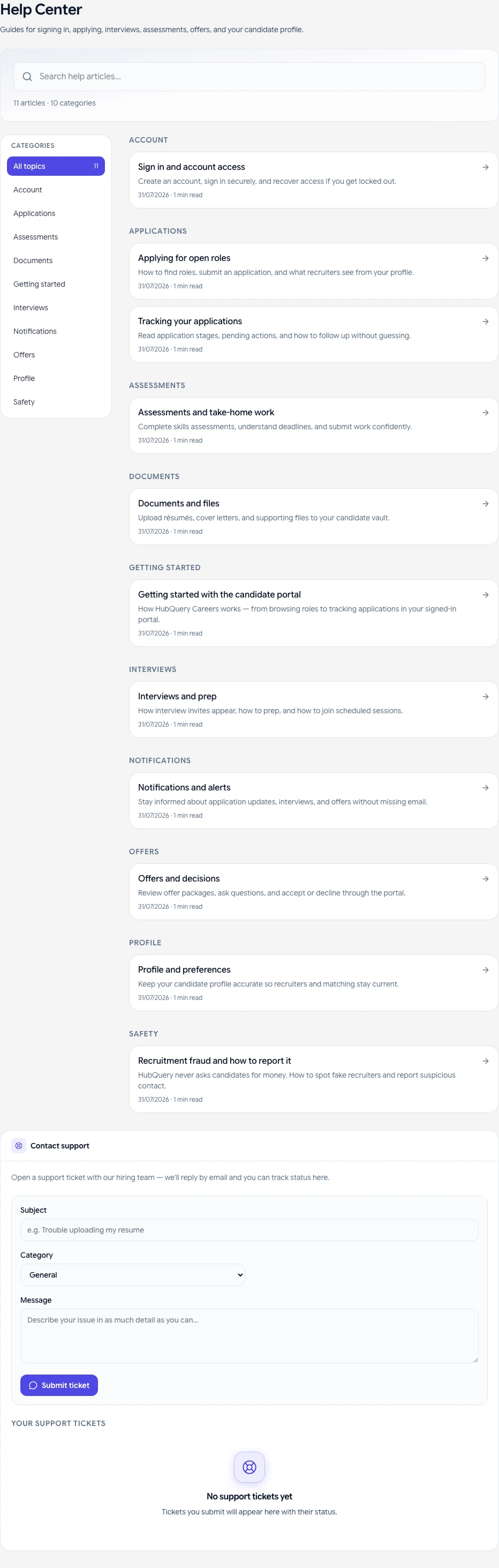
- Careers Help article Recruitment fraud and how to report it on the Careers Portal
- Privacy Policy — Careers & Recruitment section
If something goes wrong
If a screen does not load or a button is missing, refresh the page, sign out and back in, and confirm you are using the correct role. Check that your country hub supports the feature. For billing or access issues, open Help → Submit a request with your account email, a short description, and a screenshot if possible. We aim to respond as soon as we can.