
When a company sends you an offer letter through HubQuery Careers, you can review and accept it directly in your candidate dashboard.
Who it's for
Candidates who have received a job offer through a company's HubQuery Careers page.
Before you start
- Look for the offer email notification from the company.
- Read the offer terms carefully before accepting — review start date, role, compensation, and any conditions.
Steps
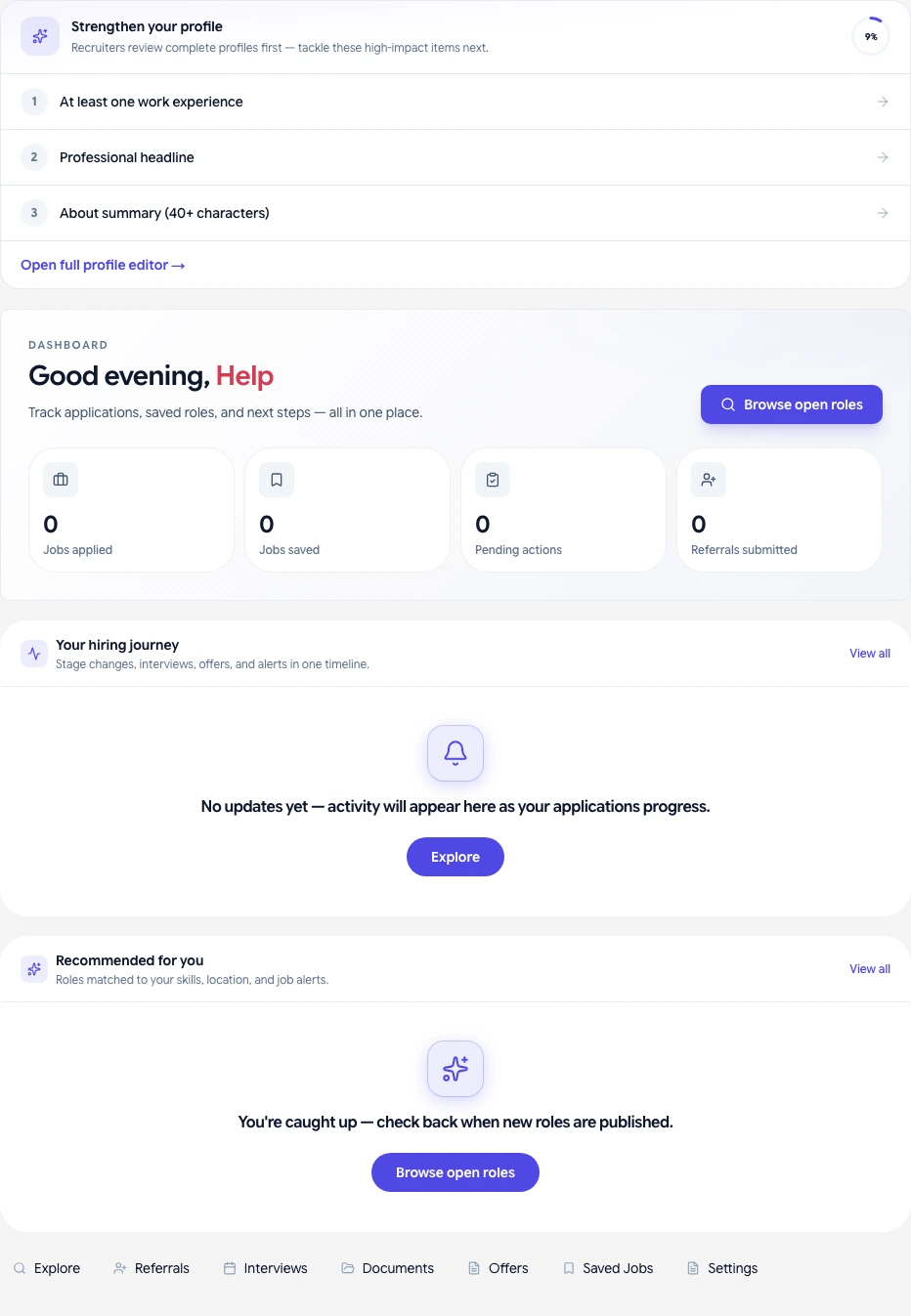
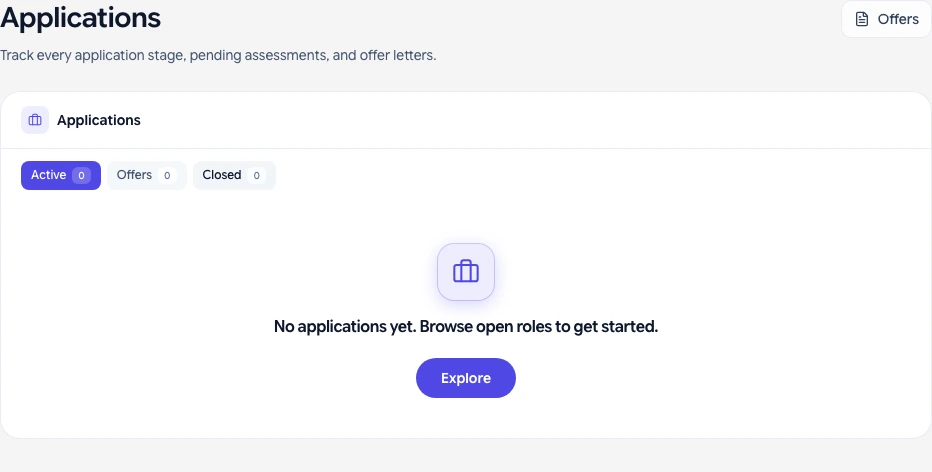
- Open your candidate dashboard and go to My Applications → My Offers, or open the offer from the application detail page.
- Review the full offer details: title, department, start date, and compensation.
- To accept, click Accept offer. To decline, click Decline offer and optionally add a note to the recruiter.
- For e-signature (when available), follow the on-screen instructions to sign the offer document electronically. If e-signing is not yet available, your recruiter will contact you to complete the process.
- After accepting, your status updates to Hired and the company's HR team will be in touch with onboarding details.
What you should see
- Offer details with status: Pending → Accepted or Declined.
- Confirmation email after accepting.
- Status update on your application page.
If something goes wrong
- Offer not visible in dashboard — Check your email for the offer notification and follow the link; allow a few minutes for syncing.
- Offer expired — Offers may have a validity period. Contact the recruiter as soon as possible if you see an expired notice.
- Questions about the offer terms — Reach out to the company's HR contact listed in the offer, or reply to the offer email before accepting.
Related guides
- Managing your job applications as a candidate
- Interview scheduling and what to expect