
The HubQuery Career Portal lets you apply for jobs posted by companies using HubBusiness. Applications are submitted through your candidate profile—no separate account registration is required if you sign in with Google or your email.
Who it's for
Job seekers applying to any role listed on a company's HubQuery Careers page.
Before you start
- Visit the company's careers page or the public job listing link you received.
- Prepare your CV/resume (PDF recommended) and a cover letter if requested.
- Sign in with Google or email when prompted — your profile is created automatically on first login.
Steps
- Open the job listing. Review the role description, requirements, and department.
- Click Apply now. If you are not signed in, you will be prompted to log in or create a candidate account.
- On the application form, complete all required fields: name, contact, experience, and answers to any screening questions.
- Upload your CV and, if asked, a cover letter or portfolio link.
- Review your application and click Submit application.
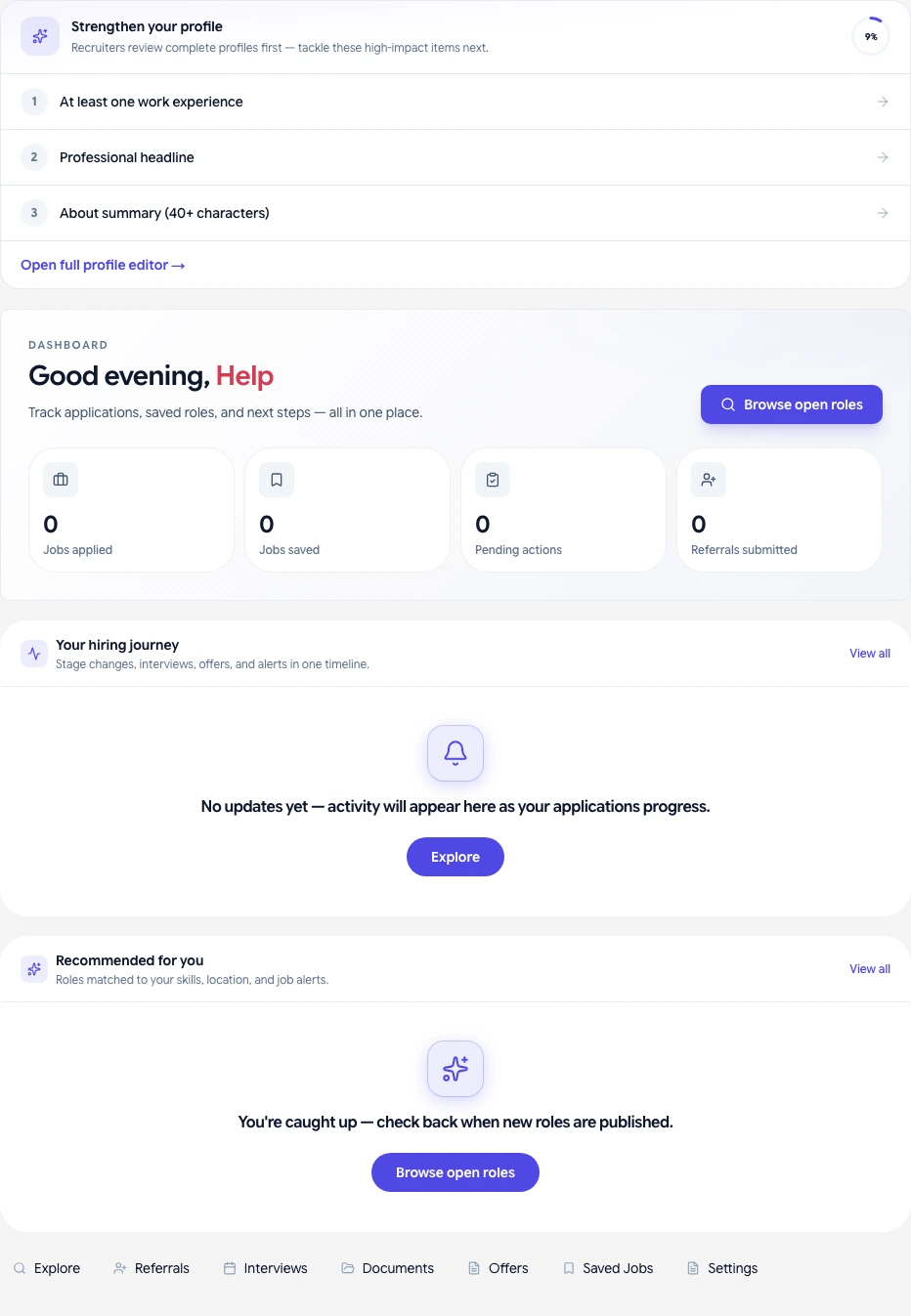
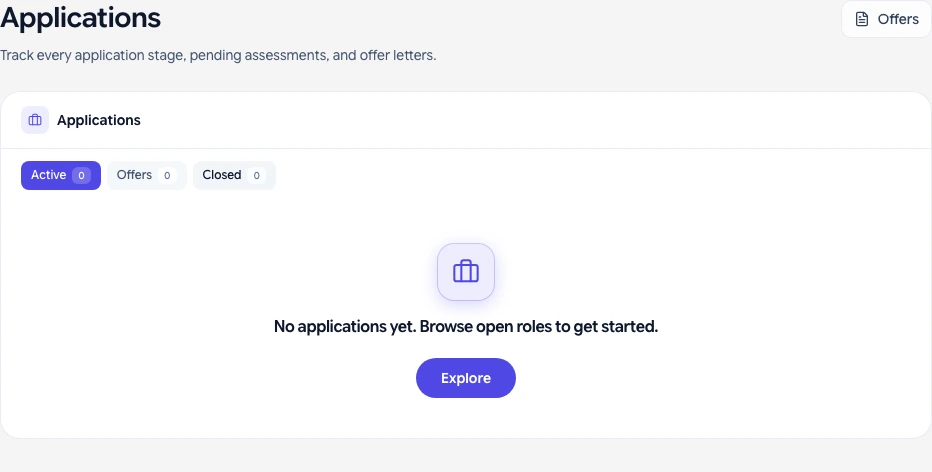
- You will receive a confirmation email. Your application appears in My Applications in your candidate dashboard.
What you should see
- Confirmation screen and email after submitting.
- Application status in your dashboard: Submitted → Under review → Interview scheduled (or Rejected).
If something goes wrong
- Apply button missing — The role may be closed or draft. Check the listing status.
- Upload fails — Use PDF format under 10 MB. Avoid special characters in file names.
- Did not receive confirmation email — Check spam. Confirm your email address in profile settings.
Related guides
- Managing your job applications as a candidate
- Interview scheduling and what to expect
- Signing your offer letter