
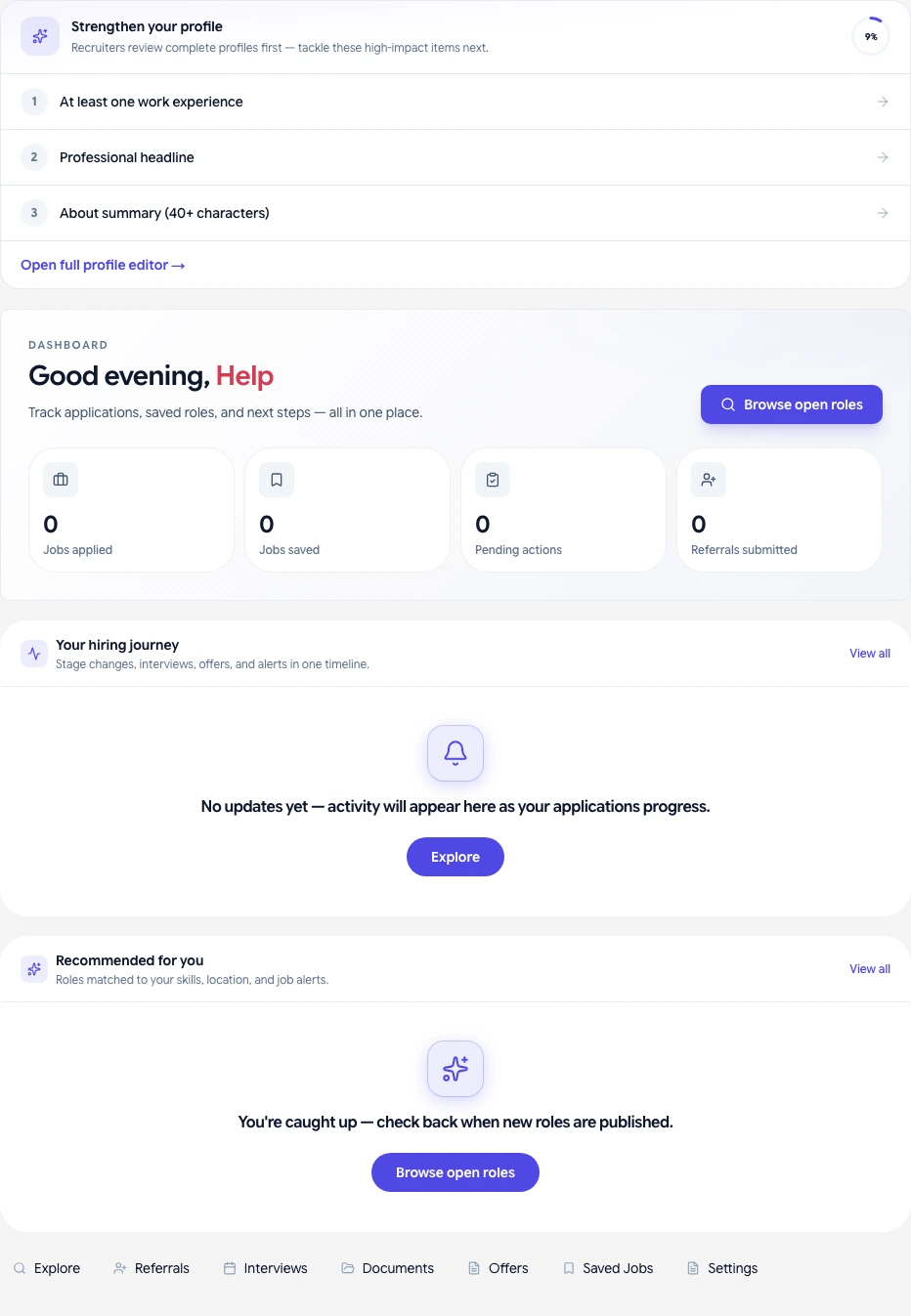
Track and manage all your job applications from one place in your candidate dashboard.
Who it's for
Candidates who have submitted one or more applications through a company's HubQuery Careers page.
Before you start
- Sign in to the Career Portal with the account you used to apply.
Steps
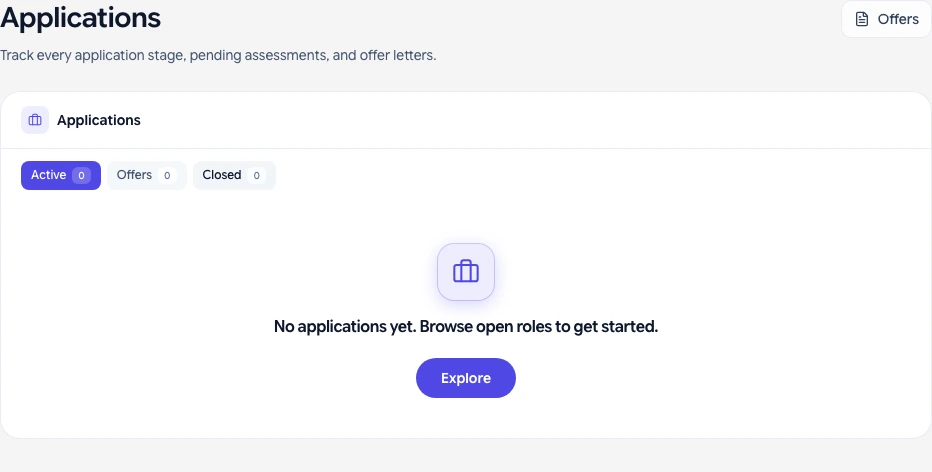
- Open your candidate dashboard. Navigate to My Applications.
- Each row shows the company, role, date applied, and current status.
- Click an application to see the full status timeline and any recruiter notes that are shared with you.
- If an interview has been scheduled, the date and format (video, in-person, phone) appear under Upcoming interviews.
- If you received an offer, open it from My Offers or the application detail page. See Signing your offer letter for next steps.
What you should see
- Application status: Submitted, Under Review, Interview Scheduled, Offer Sent, Hired, or Rejected.
- Scheduled interview details with time and format.
- Offer details including start date and any attached documents when available.
If something goes wrong
- Application missing — Confirm you are signed in with the correct account. Allow a few minutes after submission for it to appear.
- Status not updating — Status reflects what the recruiter has marked; contact the company's HR team if no update after an expected timeframe.
Related guides
- How to apply for a job on HubQuery Careers
- Interview scheduling and what to expect
- Signing your offer letter