
Before you start
Sign in to HubQuery with the account that should perform this task. If you manage more than one role (Agent, Host, Landlord), switch to the correct dashboard view from the header before continuing. Turn on notifications under Dashboard → Settings → Notifications so you do not miss important updates.
Depending on your role and plan, HubQuery exposes Analytics for listings, revenue, and market-style trends.
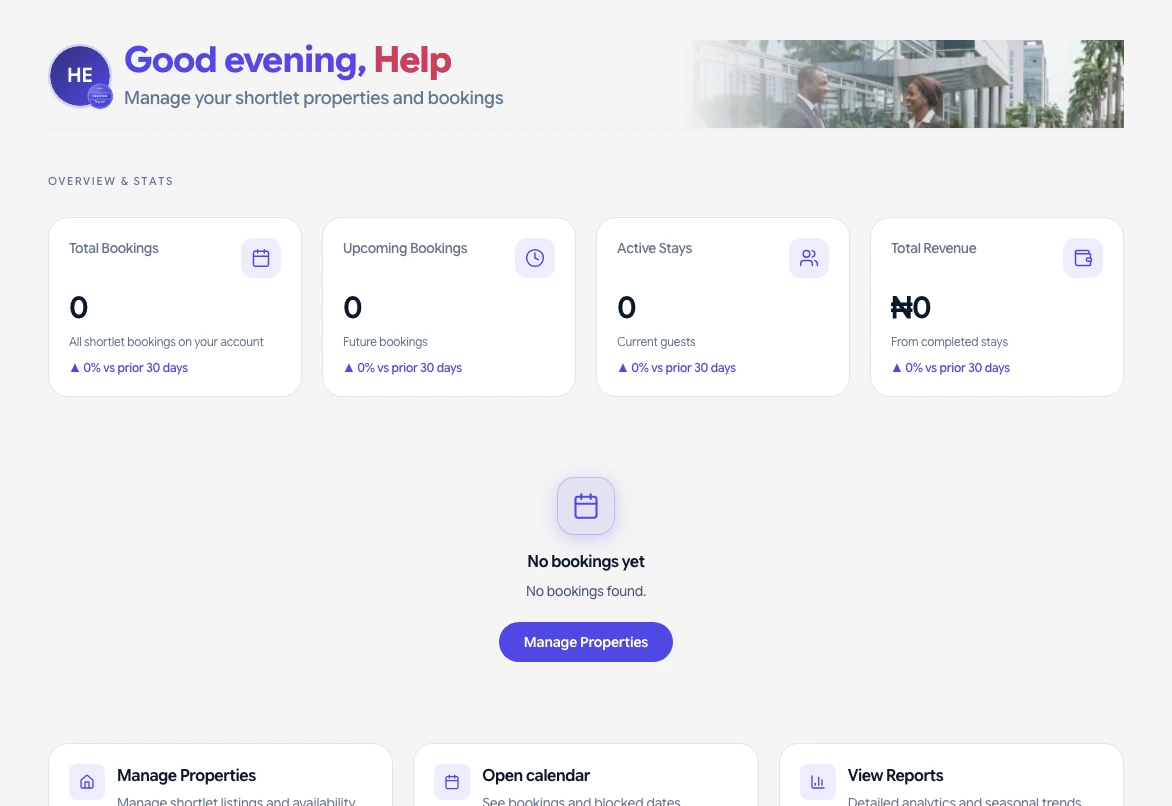
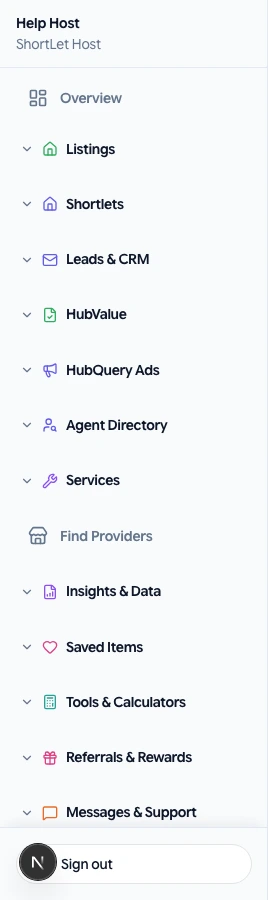
Where to look
- Dashboard → Analytics (or role-specific analytics links in the sidebar).
- Listing-level stats under My listings → open a property → analytics where enabled.
- Premier or ads performance under their respective sections.
Interpretation
Figures are based on platform activity and third-party data where integrated—they support decisions but are not financial or investment advice.
If something goes wrong
If a screen does not load or a button is missing, refresh the page, sign out and back in, and confirm you are using the correct role. Check that your country hub supports the feature. For billing or access issues, open Help → Submit a request with your account email, a short description, and a screenshot if possible. We aim to respond as soon as we can.