Before you start
Sign in to HubQuery with the account that should perform this task. If you manage more than one role (Agent, Host, Landlord), switch to the correct dashboard view from the header before continuing. Turn on notifications under Dashboard → Settings → Notifications so you do not miss important updates.
HubQuery dashboards support Light, Dark, and System (Auto) appearance.
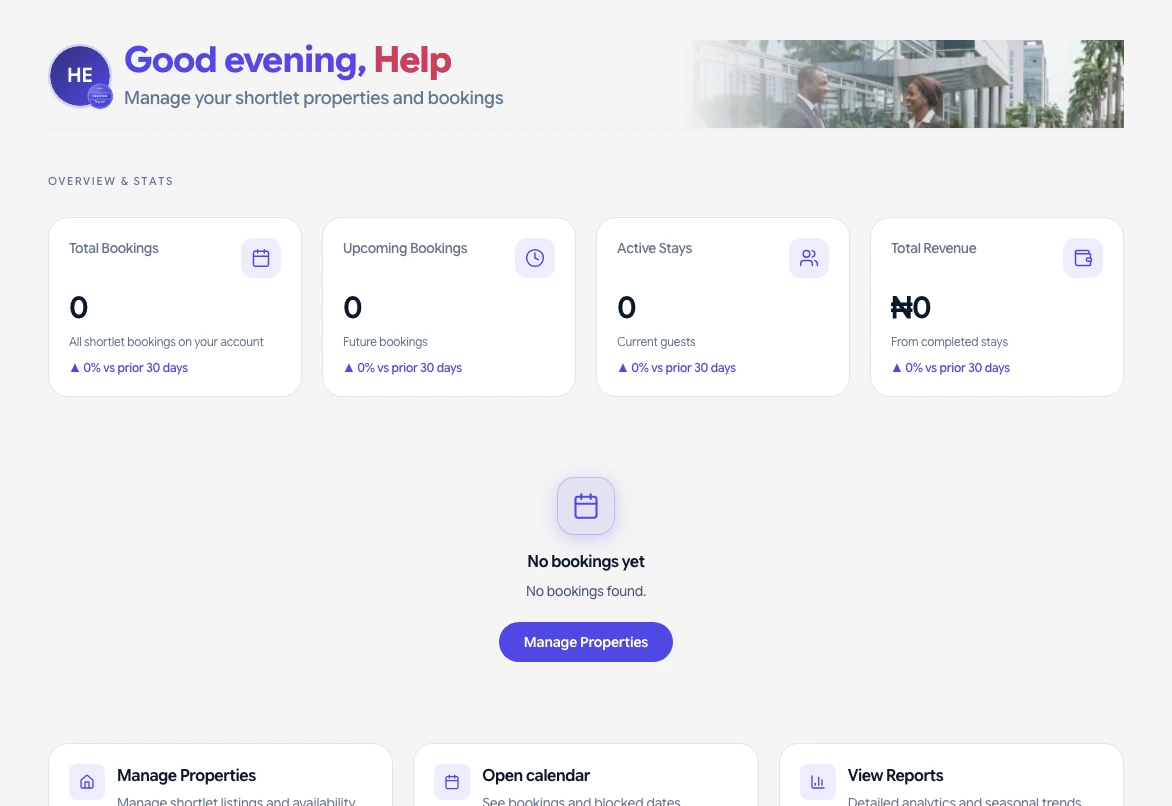
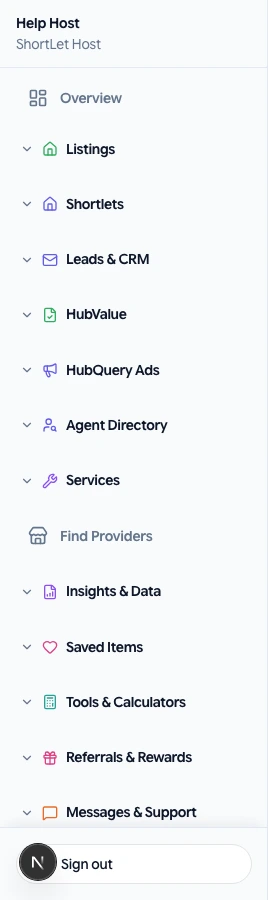
How to change theme
- Sign in to the dashboard.
- Click the sun/moon icon in the header (or open Settings → Display).
- Choose Light, Dark, or System. System follows your phone or computer setting.
Notes
- Your personal choice is saved in this browser when the platform theme mode is Auto.
- If the whole site is forced to light or dark by your organization, the toggle may be limited—contact your admin.
- If the screen flickers when switching, hard-refresh the page (Cmd+Shift+R on Mac).
If something goes wrong
If a screen does not load or a button is missing, refresh the page, sign out and back in, and confirm you are using the correct role. Check that your country hub supports the feature. For billing or access issues, open Help → Submit a request with your account email, a short description, and a screenshot if possible. We aim to respond as soon as we can.