
Before you start
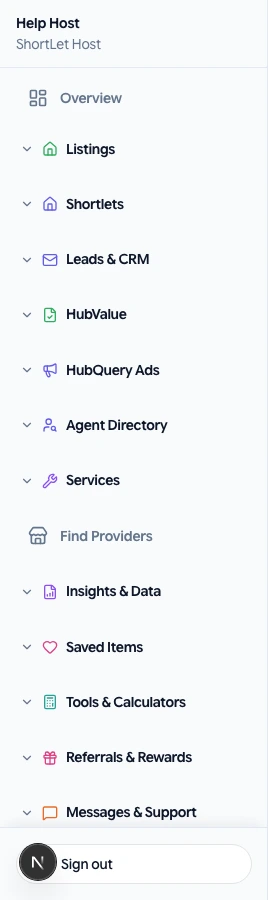
Sign in to HubQuery with the account that should perform this task. If you manage more than one role (Agent, Host, Landlord), switch to the correct dashboard view from the header before continuing. Turn on notifications under Dashboard → Settings → Notifications so you do not miss important updates.
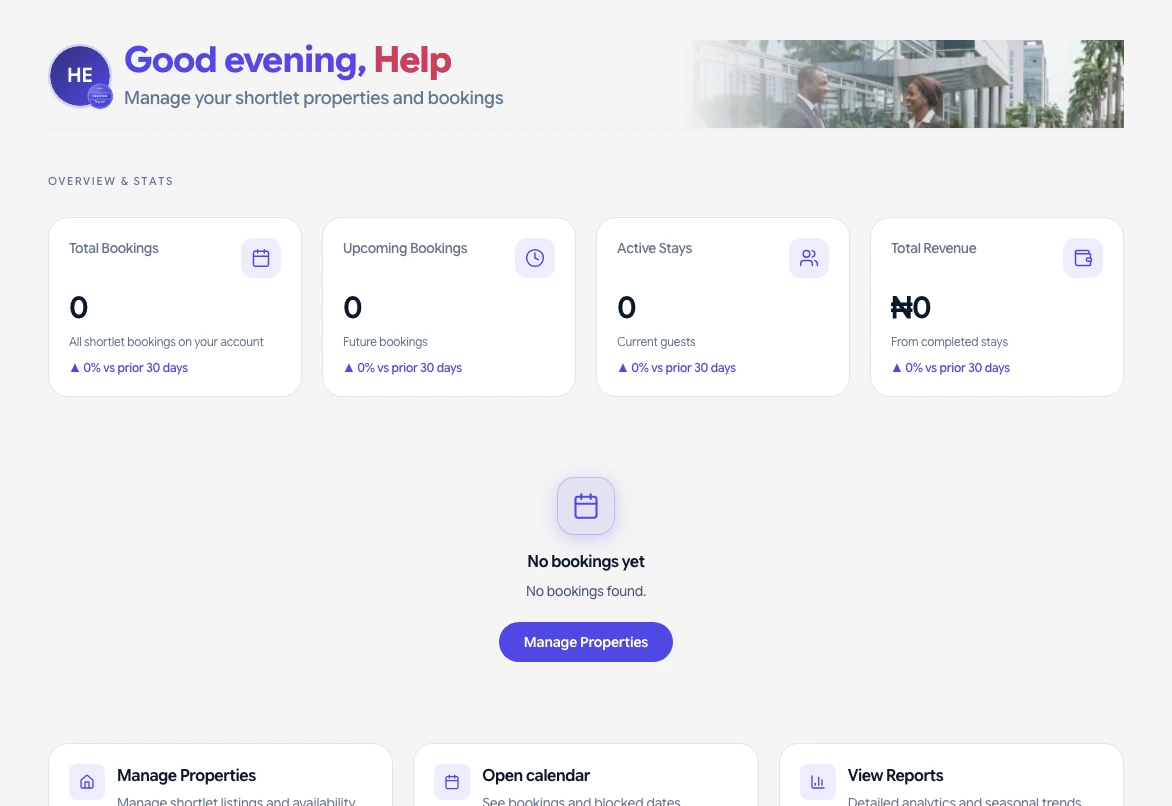
Quick reference for which metrics and charts appear on each role's overview home.
- Agent / Buyer —
/dashboard— listings funnel, saved properties, quick actions. - Agency — team seats, listings, leads, pipeline charts.
- Developer — projects, linked units, project status charts.
- Landlord / Tenant — leases, rent, payment trends.
- Host / Guest — bookings, revenue or trip spend, stay lists.
- Service Pro — inquiries, bookings, valuations.
- Housekeeper — today's check-ins/outs, turnover charts.
Charts never repeat the same number shown in KPI cards. Empty sections hide automatically when you have no data yet.
If something goes wrong
If a screen does not load or a button is missing, refresh the page, sign out and back in, and confirm you are using the correct role. Check that your country hub supports the feature. For billing or access issues, open Help → Submit a request with your account email, a short description, and a screenshot if possible. We aim to respond as soon as we can.