
HubQuery uses one digits-only WhatsApp / mobile number on your profile so leads and hosts can reach you. Phone verification codes are sent by SMS.
Who it's for
Every signed-in member. Listing-level WhatsApp on a property remains optional and separate.
Before you start
- Know your number with country code (for example +234 801…).
- Have access to SMS on that handset.
Steps
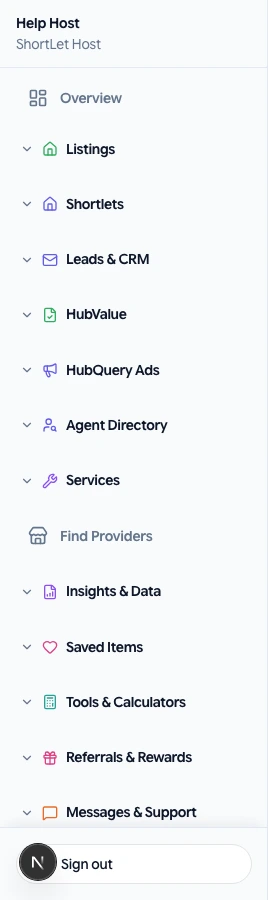
- Open Dashboard → Profile and enter your WhatsApp number, then save.
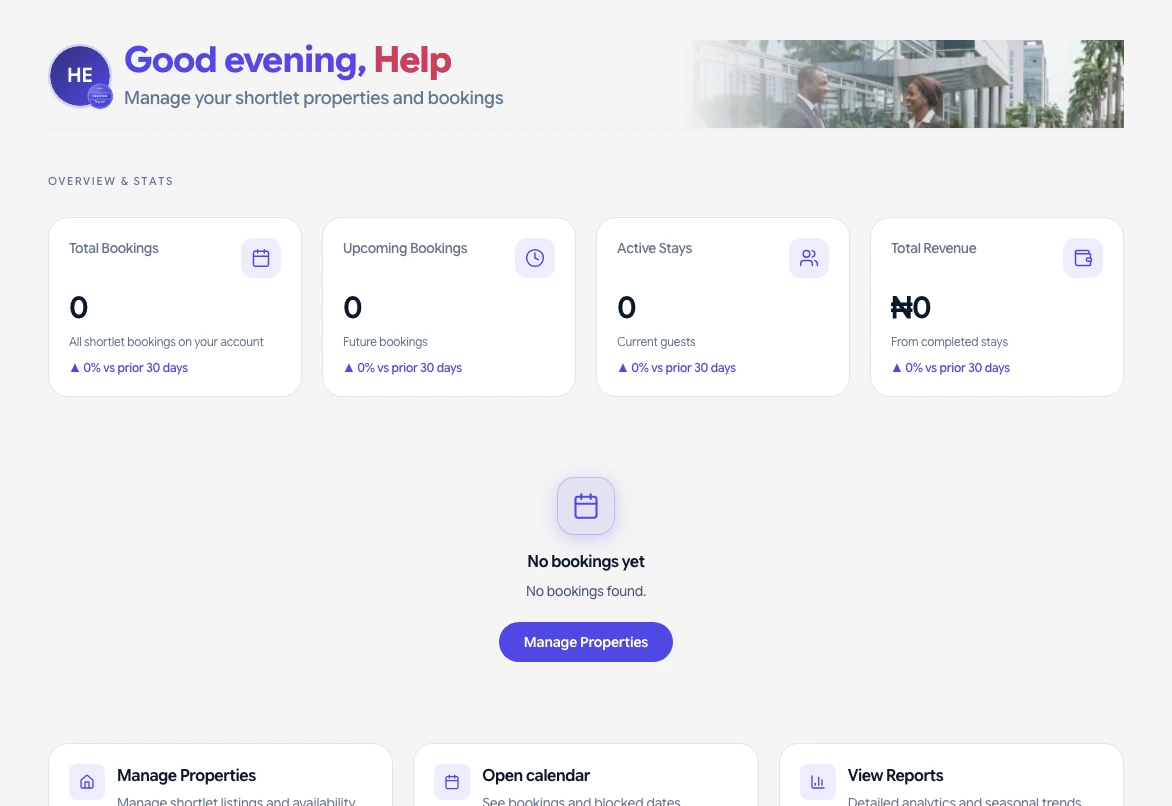
- If the dashboard shows Add your WhatsApp number, use the button to open Profile. You can dismiss the alert for this session; it returns until a number is saved.
- To verify, open phone verification and tap Send code. Enter the 6-digit code from SMS (not WhatsApp).
What you should see
- The number saved on your profile.
- An SMS with the code within a minute when Termii is configured.
If something goes wrong
- First send failed: wait and tap Send code once — do not double-tap. Check SMS, spam folders, and that the number includes the country code.
- HubDesk: submit a request if the number is already linked to another account.